A speculative scenario explained through retro 3D scenes
@re_skob
Visual explanationunleash your imagination
Build
Choose what to make, how to explain it, and how it should look. Your prompt includes production steps and result checks.
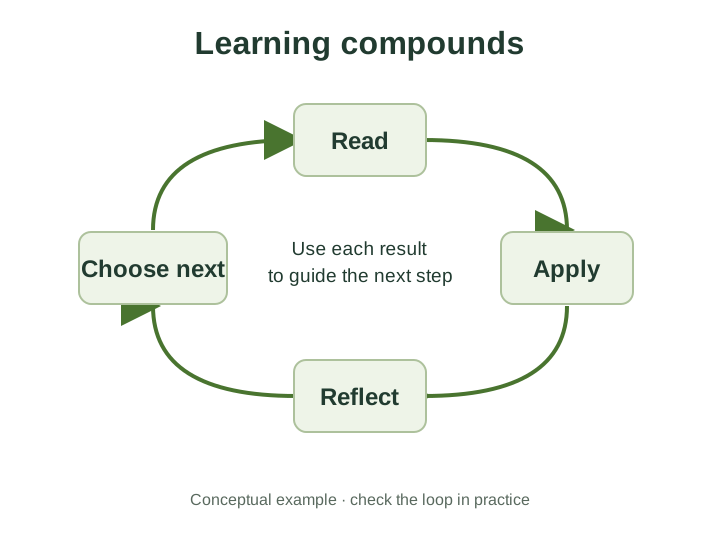
Learning compounds → reinforcing loop → paper cutout → presentation visual.
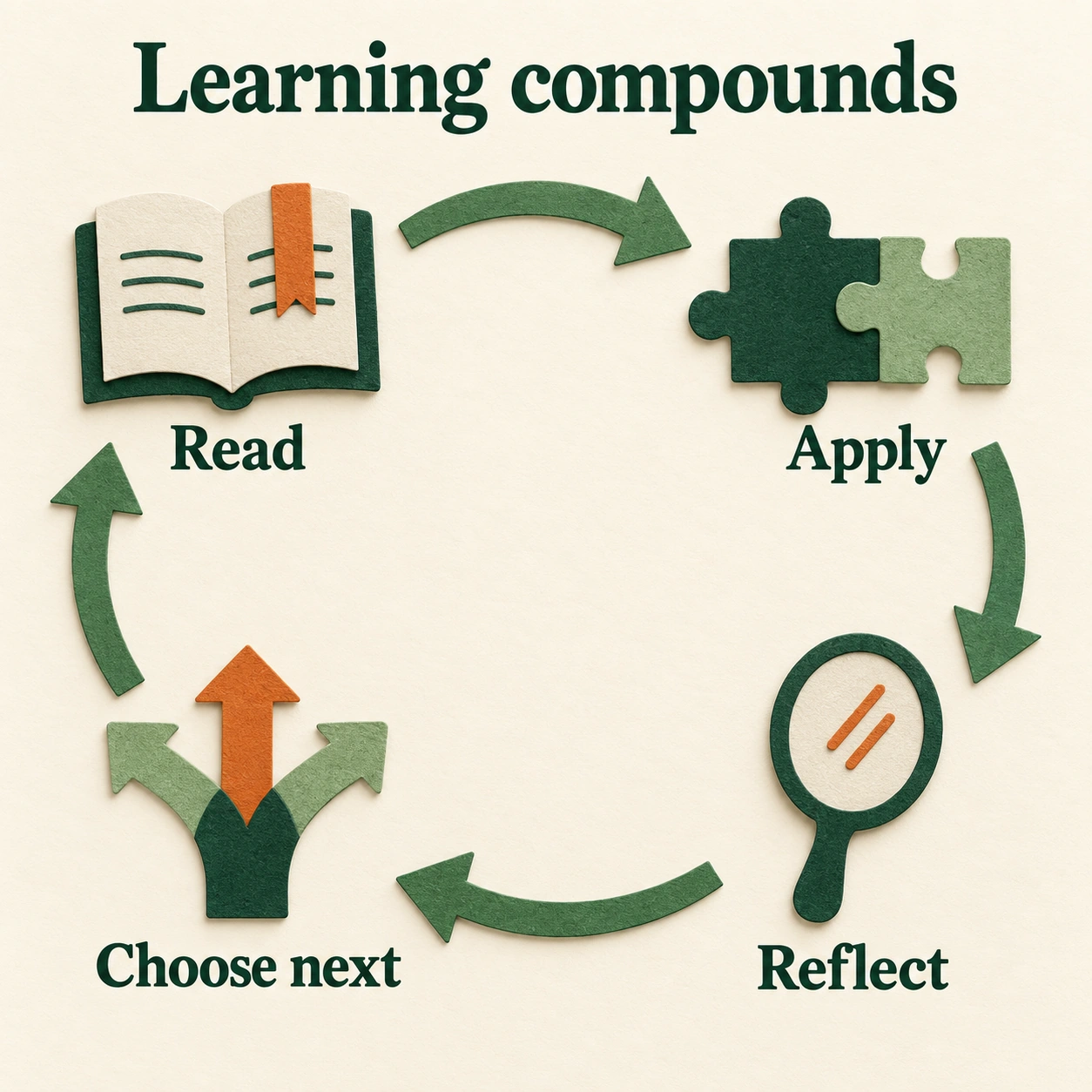
Check that every arrow says what you mean, the loop closes correctly, and the labels remain readable.
Download the example imageDownload the editable structure (SVG)Generated 2026-09-12. This is the exact prompt for the pictured result; the builder creates an adapted prompt for your own idea.
Explanation controls the structure. Style controls its appearance. Both are optional.
These show the selected references. Your AI combines them when you use the prompt.
Opening these in a new tab keeps this draft here.
200 Visual Explanations ↗200 Visual Styles ↗Real examples from the See Then Build collection.
@re_skob
Visual explanation@madmadhere
Visual explanation@skalskip92
Visual explanation@eminimnim
Visual explanation@Jeremybtc
Highlight each part@rpnickson
Visual explanation@spakhm
Animate comparisons@goan999999
Visual explanation@rohancalum
Visual explanation@akshdeeps_001
Interactive timeline@andrewaiginin
Visual explanation@iamBarronRoth
Visual explanation